Year-End Sales for Your Salla Store: What to Discount and How to Clear Stock Without Losing Your Margin
A practical year-end sales plan for your Salla store: when to start, which products to include, how to clear stock with bundles and multi-buy offers instead of deep discounts, and how to tell if the offer worked.
Wasef Team
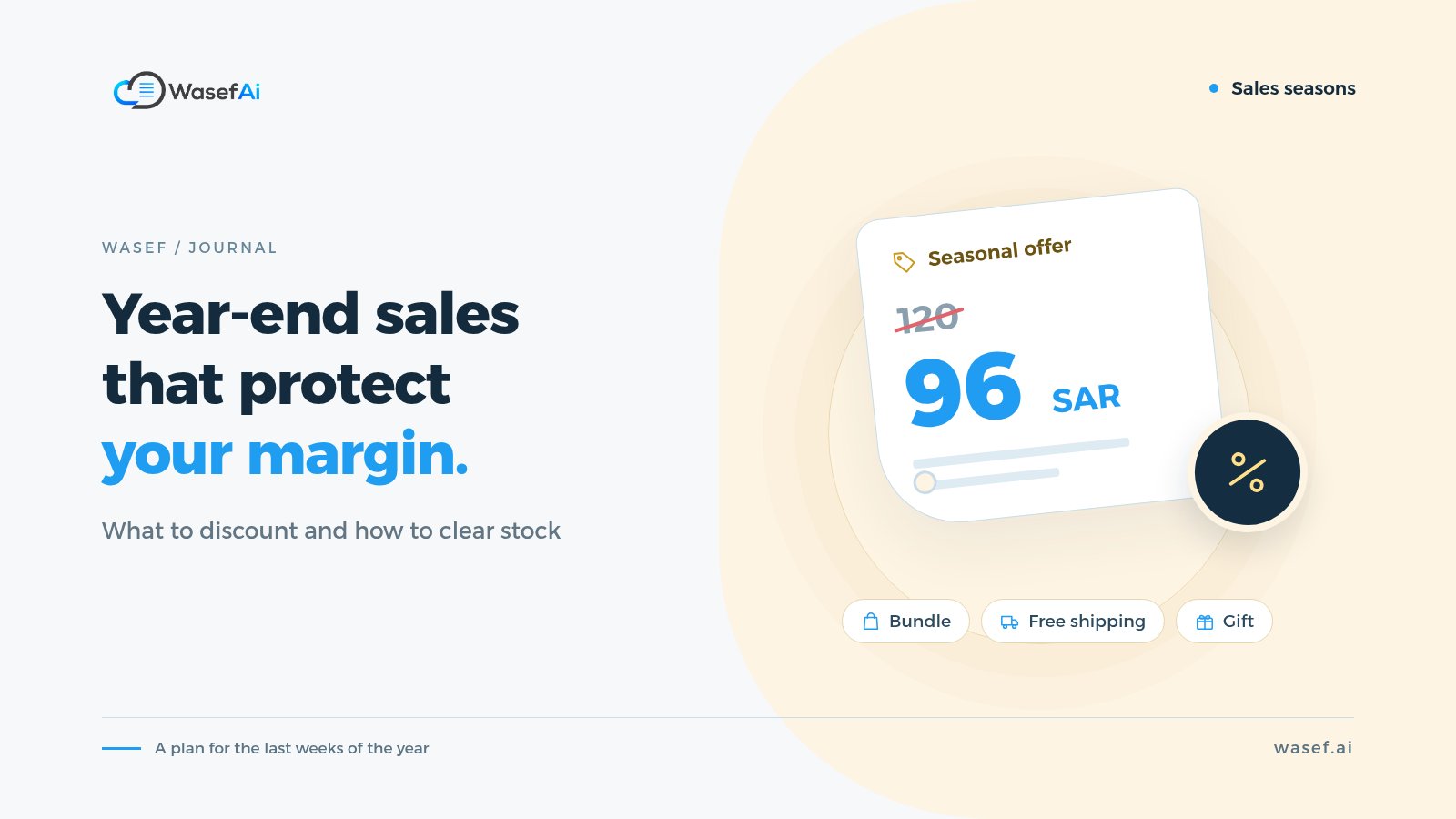
When should your store run its year-end sale? The best window is roughly mid-December to the first week of January. Google searches in Saudi Arabia for «عروض نهاية السنة» (year-end offers) jump from about 70 in September to 6,600 in December, then drop quickly in January. So prepare your offers in early December, once White Friday is behind you, and launch them in the second half of the month.
White Friday brings a rush of shoppers. The year-end sale has a different goal: close the year with less stock, turn slow-moving products into cash, and start the new year with room for new products. The mistake many merchants make is repeating their November discounts, so they sell more and earn less.
This guide covers which products to include, how to clear stock with bundles and multi-buy offers instead of deep discounts, what you need for the discount licence, a plan from December into January, and how to tell whether the offer worked.
How is a year-end sale different from White Friday?
- White Friday (the Saudi and Gulf name for Black Friday): shoppers go looking for discounts, price competition is fierce, and your goal is new customers and more orders.
- Year-end: search volume is much lower than White Friday, and most of your sales will come from existing customers and followers. Your goal is to clear specific stock while protecting your margin.
In other words, build year-end offers around the stock you have, not around what the whole market wants. For offer ideas for the big season itself, see White Friday offer ideas.
Which products should go into a year-end sale?
Open the sales report in your store dashboard and sort your products into three groups:
- Slow movers: products that have barely sold in months. Every month they sit in storage costs you space and ties up cash. These come first.
- Leftover sizes and colours: items with only one size or colour left. They're hard to sell at full price and easy to put on offer.
- Products that sell on their own: your best sellers. Don't discount them. Use them as the draw in a bundle with a slower product.
Take special care with winter products: in most parts of Saudi Arabia, the cold doesn't end with December. Don't slash prices on farwas, jackets and heaters in December when you could sell them for more in January. Save the big clearance for when demand actually drops in your store, and track your sales week by week instead of going by the calendar.
If you include products with an expiry date, such as food or skincare, show the expiry date clearly on the product page. A shopper who knows up front won't come back upset.
How do you clear stock without losing your margin?
Let's start with simple maths. A product costs you 60 riyals and you sell it for 100. Take 30% off and the price becomes 70, leaving you just 10 riyals of profit, before shipping and payment fees. A deep discount on everything can leave you selling more and earning less than in a normal month.
That's why these approaches clear stock while keeping part of your margin:
- Bundles: pair a strong seller with a slow mover at less than their combined price. The shopper feels they got a deal, and you move the slow product without discounting the strong one on its own. Example: "Winter bundle: farwa + winter shemagh at a special price".
- Buy two, get the second at a discount: raises the number of items per order, so shipping costs are spread across more products.
- Gift with purchase: give a small slow-moving product as a gift above a certain order value. It costs you less than a discount on the whole cart.
- Free shipping above a threshold: set the threshold slightly above your average order, so shoppers add an extra item to reach it.
- A deep discount on a short list: if you must discount heavily, keep it to the slow movers, not the whole store.
Where do you set up these offers in Salla?
In the Salla dashboard, go to Marketing (التسويق), then Promotional offers (العروض الترويجية). According to Salla's help centre, a special offer comes in several types, including:
- A fixed price on products you choose.
- Buy X, get Y, such as a discount on the second item from the same category.
- A percentage of the customer's purchases.
Dashboards change from time to time, so if the section name is different for you, check Salla's article in the sources below. Before launching any offer, test it with a trial order and make sure it applies to the right products.
Do you need a discount licence for a year-end sale?
If you're advertising discounts, yes. Saudi Arabia's Ministry of Commerce requires a discount licence before you advertise. The service conditions on the Ministry's website include attaching a list of the discounted products, discounting at least 50% of products, and a fee of 300 riyals.
The licence comes with a yearly allowance of days, so if you used some of it for White Friday, work out what's left before planning December. We cover the licence and its rules in detail in When is White Friday 2026, and the discount licence.
A year-end sales plan from December into January
Early December: review and prepare
- Review your White Friday results: what sold and what's still in storage.
- Choose your product list and decide the offer type for each group.
- Get the discount licence if you'll be advertising discounts.
- Create your bundle pages: a photo showing all the products together, and a description that says exactly what's in the bundle.
Mid-December: launch the offer
- Start with your existing customers: send them a message or email a day or two before the public announcement.
- Write your offer messages clearly: what the product is, the price, and when the offer ends. You'll find templates to start from in marketing phrases for online stores.
- If you're running paid ads, focus on bundles and products whose margin can carry the ad cost. We cover the basics in Snapchat ads for your online store.
Last week of December: the final push
- Check what has cleared and what hasn't. If a product didn't move in a bundle, try it in a different offer before increasing the discount.
- Remind shoppers who left products in their cart that the offer ends soon.
Early January: wrap up calmly
- Few people search for offers in January, so it's better to extend the offer to your customers by message than to spend on new ads.
- Return prices to normal on the date you announced, and don't run the offer beyond your licence period.
- Handle returns according to your published policy. If you don't have a written policy, use our return and exchange policy template.
How do you know if your year-end sale worked?
Sales alone aren't enough. Measure the offer by the numbers that match its goal:
- Units cleared from slow movers: this is your main goal.
- Profit per order, after the discount, shipping and payment fees, not just revenue.
- Average order value: did bundles and multi-buy offers actually raise it?
- Return rate: if it rose, the description or sizes probably weren't clear.
- New versus returning customers: tells you who to target in your next offer.
Common year-end sale mistakes
- Copying your White Friday offers as they are, instead of building them around the stock you have left.
- A storewide discount, so strong products sell at a discount they didn't need while the slow movers stay put.
- Clearing winter products in December while the season is still going.
- A bundle without a clear description of what's inside, so shoppers have to ask or end up returning the order.
- An offer with no clear end date, so it loses its sense of urgency.
If most of your stock is winter stock, make sure its descriptions answer shoppers' questions before you discount it: see winter clothing and farwa descriptions and heater descriptions. And before you launch your offers, go through our seasonal product page checklist.
Every bundle needs its own description
When you create a bundle, you're really adding a new product to your store. It needs a clear name and a description that says exactly what's inside, how many items, their sizes, and why these products belong together. That takes time if you have several bundles.
Wasef is a Salla app that drafts product descriptions from your product data, in Arabic and English, along with an SEO title and meta description. You review and edit the draft before publishing. There's a 7-day free trial with no card required, so you can try it on your year-end bundles and see if it fits the way you work.
Sources
Tags
Before your next campaign, review your product pages with this checklist
Five steps on one page: what to check in your descriptions, how to fill in the SEO fields, and when to add a promotional title. Print it and work through it product by product.
Product page prep checklist
Ready before your next campaign
- Pick the products that will carry the season
- Review every page on mobile
- Fill in the SEO fields in product settings
- Promotional title: honest and temporary
- Spread the work over six weeks