How to Rewrite Manufacturer Product Descriptions Without Losing the Specs
Supplier product descriptions are a great source of specs, but they're written for someone other than your customer and sit on dozens of other stores. Here's a practical way to sort what to keep and what to drop, with a before-and-after example.
Wasef Team
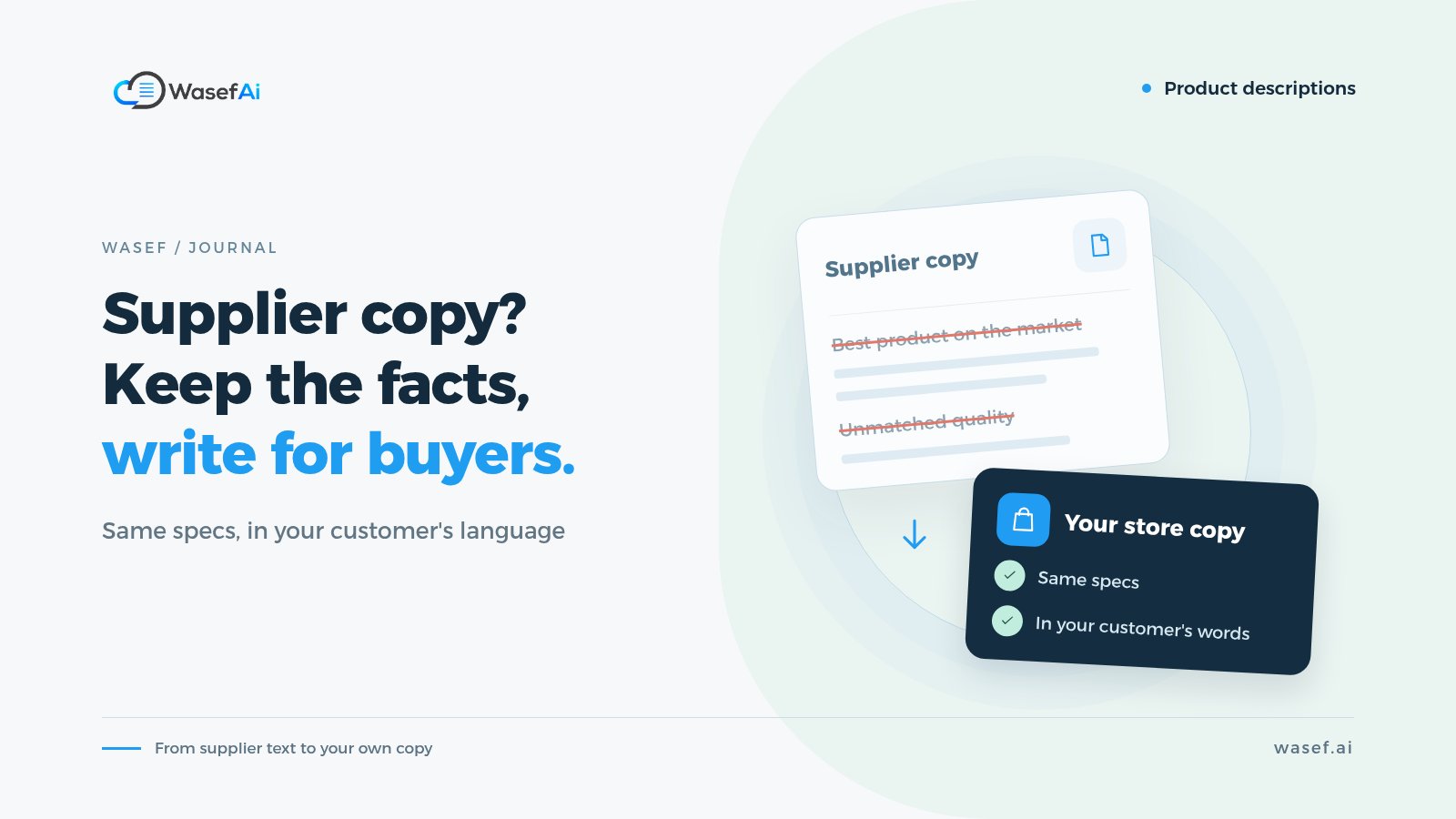
You know the situation: a new shipment arrives, and the supplier sends a file with names, specs and a ready-made description for every product. The quickest fix is to copy the description, paste it into Salla and move on. Sometimes it's in English while your shoppers read Arabic, or it's a word-for-word translation where every sentence feels backwards. The product is live, but is the page actually working for you? This guide shows you how to rewrite manufacturer product descriptions so they keep the facts and sound like your store.
Let's separate a popular myth from the real problem, then walk through a practical way to turn the supplier's copy into a description that belongs to your store.
Does Google penalize duplicate product descriptions?
No, there's no penalty. Google's John Mueller has said it clearly: duplicated manufacturer descriptions aren't a problem in themselves. But there's an important detail. When Google finds the same text on dozens of pages, it usually picks one to show in search and filters out the rest. So the question is: why would it pick your page? If your store is new and an older, better-known store has the exact same text, your chances are slim.
In other words, duplicate content in ecommerce won't get you penalized, but it doesn't give you any reason to stand out. Your page becomes copy number 30 of the same words. To see what actually makes a description stand out, read why SEO matters for product descriptions.
The bigger problem isn't Google, it's your customer
Supplier product descriptions are usually written for distributors and retailers, not for your customer browsing on their phone. They focus on factory figures and technical terms, and skip the questions you actually get: will it suit how I use it? What's the difference between this and the other option? How do I clean it? And if it's machine-translated, customers notice straight away that the store didn't put effort into the page, which hurts trust before they buy.
What to keep from the supplier's description, and what to drop
The supplier's description isn't your enemy. It's the best source you have for accurate information. The trick is to treat it as raw material, not finished copy.
- Keep: model number, dimensions, capacity, material, wattage, compatibility, what's in the box, and care instructions.
- Verify before keeping: certifications, warranties and any performance figure like "keeps drinks hot for 12 hours." If you can't confirm it, don't write it.
- Drop: phrases like "the best product on the market," the supplier's own shipping and warranty terms, and brand names that have nothing to do with the product.
How to rewrite manufacturer product descriptions in five steps
- Pull the facts out of the supplier's description into a bullet list, and remove everything else.
- Write one sentence that says who the product is for and when they'd use it.
- Link every important spec to a benefit the customer understands: "1.7-liter capacity" becomes "enough for a family pot of tea in one go."
- Answer the question your store gets most often about this type of product.
- Read the text out loud. If it sounds translated or odd, simplify it.
If you want an AI tool to do the first draft, the same idea applies: give it the facts, not the supplier's marketing. Our AI product description prompt guide has a template you can copy. And for a ready structure by category, see these product description templates for every category.
Example: an electric kettle, before and after
This example is hypothetical and the specs are for illustration only. The translated supplier description says: "High-quality electric kettle with a modern, elegant design. Made from excellent materials. 2200 W power. 1.7 L capacity. Boil-dry protection. The best product for your kitchen."
After the rewrite: "An electric kettle with a 1.7-liter capacity, enough for a pot of tea or coffee for the whole family in one go. It runs at 2200 watts and switches itself off if it's turned on empty, so there's nothing to worry about if you forget it. The body is stainless steel, and you can clean the inside with a mix of water and vinegar if limescale builds up. Note: the base needs a three-pin plug."
Notice the numbers didn't change. What changed is that every number now means something, the adjectives that said nothing are gone, and a practical detail drawn from real customer questions has been added.
Literal translation isn't the answer
If the supplier's description is in English and your shoppers read Arabic, don't translate it sentence by sentence. Customers search in their own words, for example «غلاية» (ghallaya), «كتل» (the borrowed "kettle") or «براد ماء» (barrad maa), not a literal translation of the product name. Write the Arabic description straight from the facts, and if you also need an English version, adapt it from the Arabic rather than the other way around.
What if I have 200 products?
This is where Wasef comes in. Once you install it on your Salla store, your products reach it automatically, and it writes a description draft for each one from the product's own data, including the current description you copied from the supplier. Its rules stop it from inventing features, figures or reviews that aren't in the data, so it keeps the facts and rewrites the rest in your store's voice. And if you need English, it writes the Arabic first and then adapts it into English, rather than translating word for word.
You can generate drafts for a group of products at once, review them, and publish them to Salla in one click. Just remember: if the supplier's data itself has a mistake, the draft will carry it over. Review is part of the job, not an extra step.
The bottom line
Duplicate supplier product descriptions won't get you penalized, but they won't set you apart or answer your customers' questions either. Take the facts from them and write unique product descriptions in your customer's language. Start with your ten best-selling products and compare each page before and after. You'll likely notice the difference in the kind of questions you get before you notice it in any other number.
Sources
Search Engine Journal: Google on duplicate manufacturer descriptions in online stores.
Google Search Central: Creating helpful, reliable, people-first content.
Tags
Before your next campaign, review your product pages with this checklist
Five steps on one page: what to check in your descriptions, how to fill in the SEO fields, and when to add a promotional title. Print it and work through it product by product.
Product page prep checklist
Ready before your next campaign
- Pick the products that will carry the season
- Review every page on mobile
- Fill in the SEO fields in product settings
- Promotional title: honest and temporary
- Spread the work over six weeks