Bulk generate product content for several products at once
Select a small group, add shared instructions, and review the generation cost before sending the request. The walkthrough covers setup and submission, not finished results.
Wasef Team
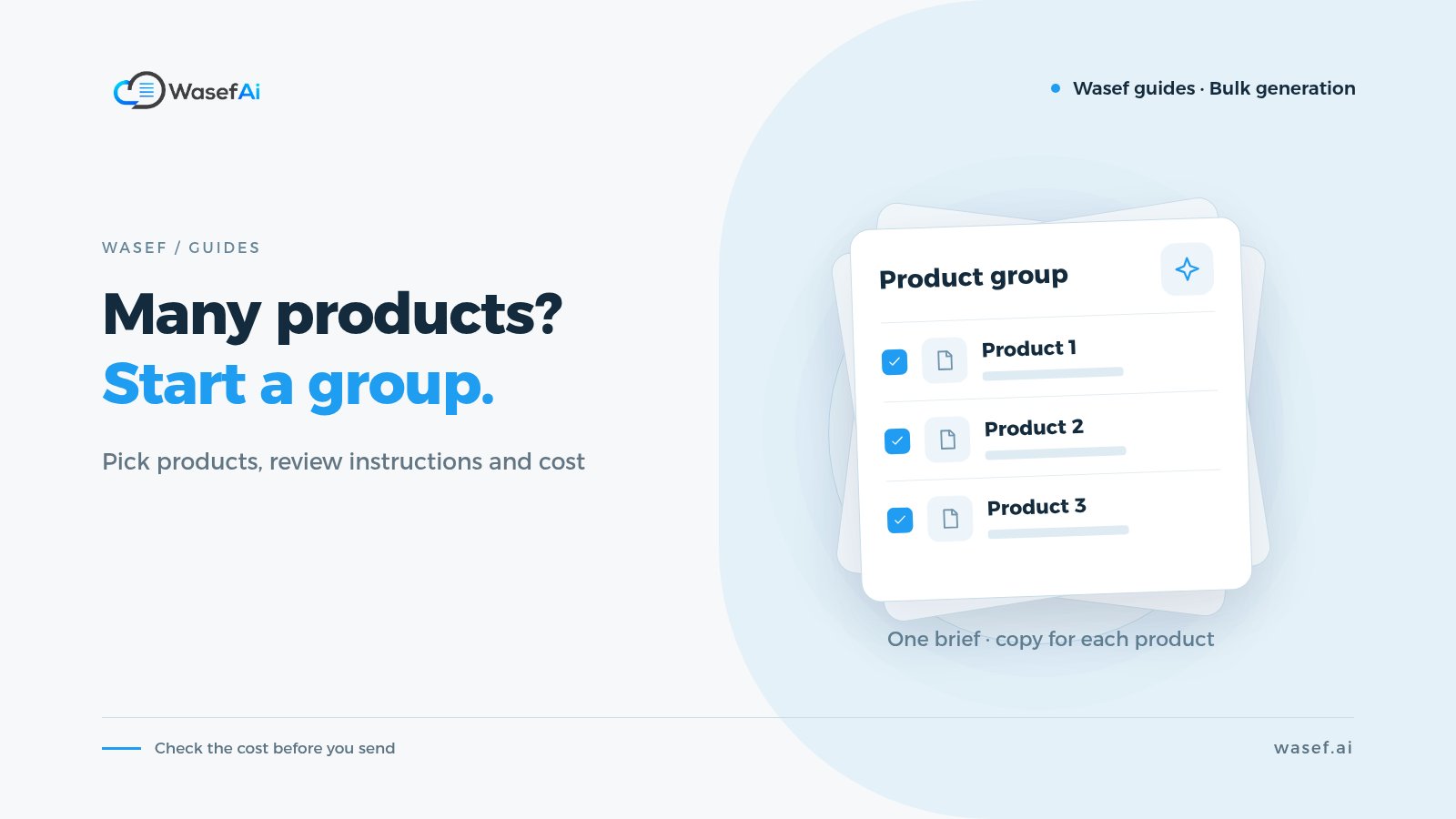
If you have a group of products that need content, opening each product and repeating the same steps takes time. Bulk generation brings selecting products, writing instructions, and starting generation into one flow, while reviewing each result is still your job.
What will your store gain?
You can keep the writing direction consistent, such as asking for a clear description without exaggeration, while each product's content is still based on its own information. Shared instructions don't mean copying the same description to every product.
Before you start
Start with two products or a small group. Search or filter the list, then confirm the selected products. Check your credits and the cost shown before you press “Start generating”. In the example, the cost shown was 2 credits for two products.
Let's see the feature
This is an interactive walkthrough recorded in a demo store, not a live store you can edit. Use Previous and Next to move between steps. Sign-in and the verification code were not recorded. The Wasef interface is shown in Arabic in the recording.
Bulk generate product content for several products at once
5 stepsLoading page state.
Step 1 of 5
Start with a small group
We filtered the list down to two products to make review easier.
What did we verify?
We reached the confirmation that the generation request was sent, but we didn't verify in this walkthrough that the results for the two products were completed. Wait for the completion notification, then open each product and review the saved content before publishing. Don't treat closing the window or the start message as proof that the process finished, and don't repeat the request right away if it takes a while.
Start with a small batch of similar products, and review the first two results before you scale up. If your current descriptions were copied from the supplier, this guide explains how to turn a supplier description into one of your own without losing the specs.