SEO Meaning: What SEO Is and What It Means for Your Online Store
SEO means search engine optimization. Here's what it means for your Salla store, the three types of SEO with examples, how it differs from paid ads, and where to start.
Wasef Team
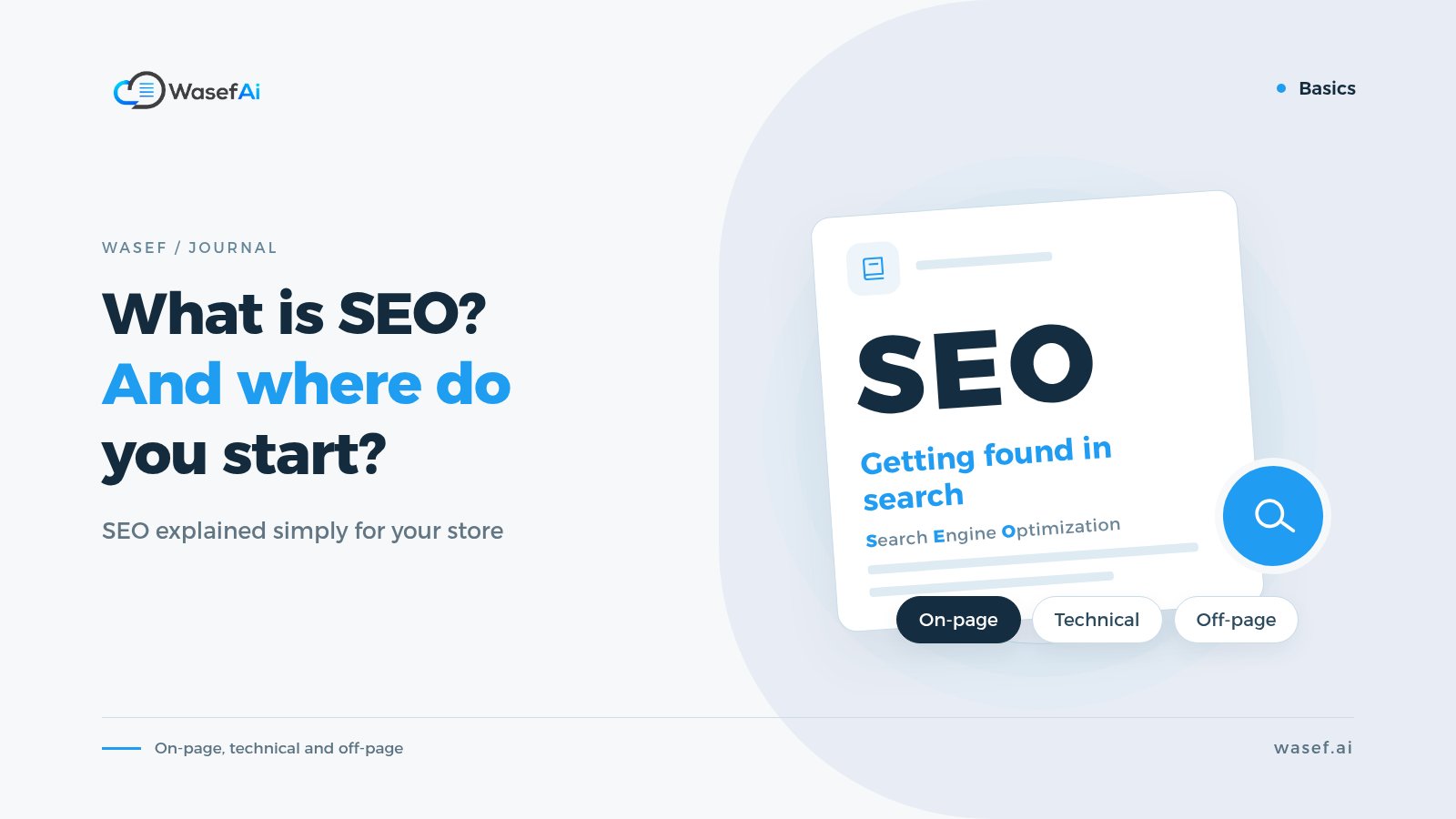
SEO meaning in short: SEO stands for search engine optimization, which means everything you do on your website or online store so Google understands your pages, and so a customer searching for a product like yours finds you in the free results without you paying for every click.
That's the short answer. But if you run a store on Salla, the more important question isn't "what does SEO mean?" but "what does SEO mean for my store, and what do I actually need to do?". Let's go through it step by step, with examples from real store pages.
What does SEO mean exactly? Where does the term come from?
SEO is simply the initials of Search Engine Optimization, said letter by letter (or written out in full). You'll also see "search engine optimisation" in British spelling, which means the same thing. Arabic-speaking merchants often just say «سيو» ("seo"), which is the same acronym written in Arabic letters.
Google itself defines it in its SEO Starter Guide as helping search engines understand your content, and helping users find your site and decide whether they should visit it. Notice that the definition has two sides: the search engine, which has to understand the page, and the customer, who has to be convinced to click on it. Good SEO serves both at once.
So when someone on X (Twitter), Snapchat or TikTok tells you to "work on your store's SEO", what they mean is: make your store show up in search results when someone types the name of a product you sell.
What is SEO in ecommerce?
On blogs and news sites, SEO usually revolves around articles. In business terms for an online store, SEO means getting the pages that sell found by the people ready to buy. The pages that matter most to you are:
- Product pages: the most important pages in your store. When someone searches for "black crepe abaya" or "Sidr mountain honey", this is the page that could show up for them.
- Category pages: like "formal abayas" or "oriental perfumes". These usually appear for broader searches, when the customer is still comparing and browsing.
- Brand pages: if you sell well-known brands, customers sometimes search for the brand name itself.
- Your homepage and information pages: such as "About us" and your returns policy. They build trust and help Google understand what kind of store you are.
Each of these pages has elements that both Google and your customer read: the page title, the description, the page URL, and the images and their alt text. To see how these fields work for every product in Salla and what to write in each one, read our guide to Salla's product SEO fields.
What are the three types of SEO?
Most specialists split SEO into three parts. This split isn't an official rule from Google, but it makes it easier to know where to focus:
1. On-page SEO: what's written on the page?
This is the part directly in your hands: the words on the page itself. For your store, that means:
- A clear product name that contains the words customers actually use, not an internal code or the supplier's name.
- A description based on the product's real details: size, material, how to use it, who it suits. Not a description copied from the supplier and repeated across twenty stores.
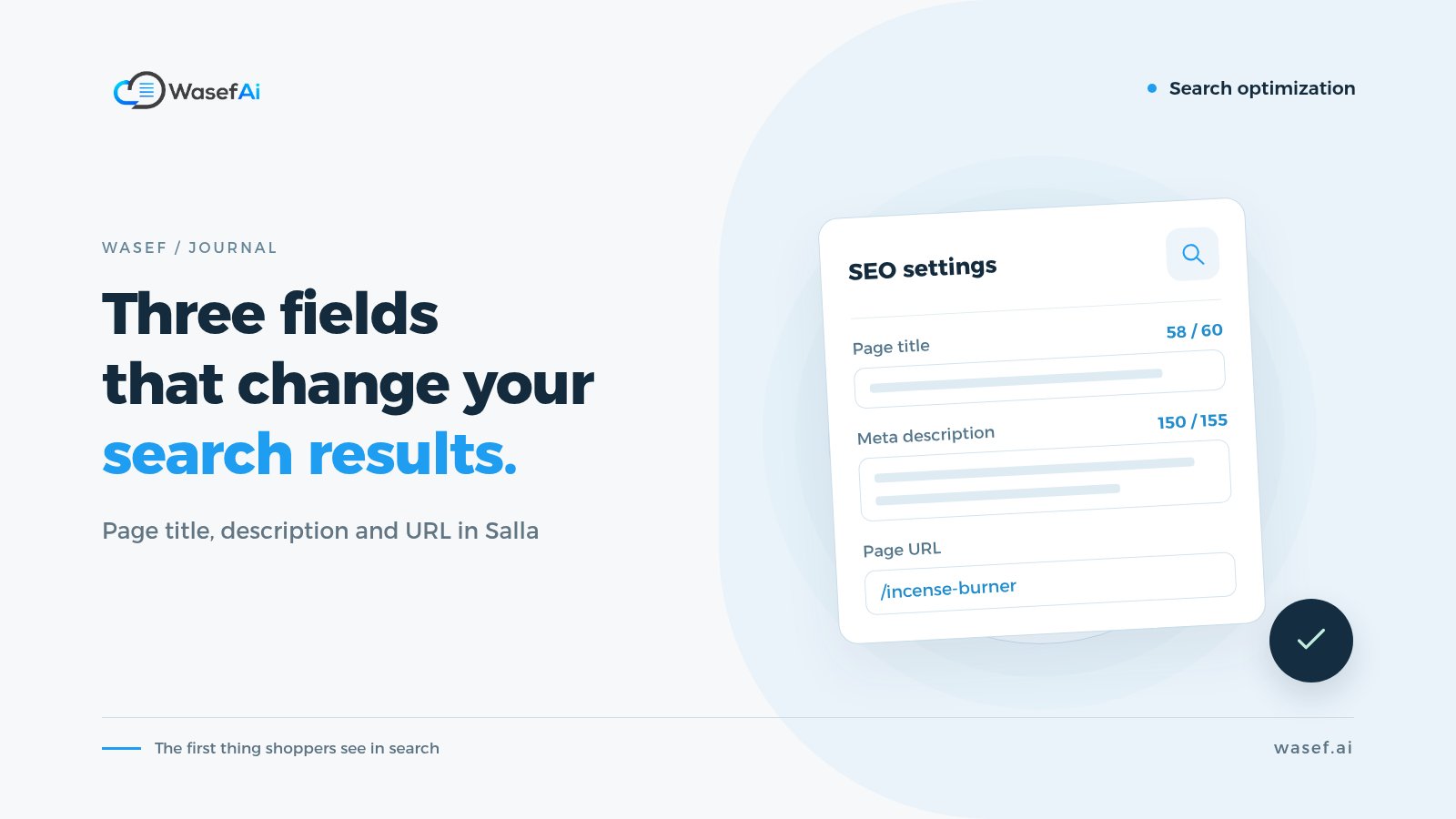
- A short, unique SEO title for every page, and a meta description that sums up the key point and encourages the click.
- A readable URL with understandable words instead of random numbers.
- Alt text for images that describes what's in the picture. To improve the product photos themselves, from shooting to uploading, see our practical guide.
An illustrative example: a product listed in your store as "Model 4471". Rename it to "Genuine Leather Backpack for 15-inch Laptops", and both Google and the customer get a clear idea of the product before opening the page. This is exactly where you see why SEO matters for your product descriptions.
2. Technical SEO: can Google reach the page and understand it?
This part is about how the site itself is built: loading speed, mobile friendliness, the sitemap, broken links and duplicate pages. The good news is that the platform your store runs on takes care of much of the technical structure, so your role is usually lighter than that of someone running a site built from scratch.
Some things are still on you, though: the size of the images you upload, deleted products whose links are still out there, and duplicate products with near-identical names.
3. Off-page SEO: is anyone talking about you outside your store?
This means links pointing to your store from other websites, and mentions of your store's name. Google notes in its guide that most new pages it discovers every day are found through links, and it suggests natural promotion: your social media accounts, communities interested in your niche, and word of mouth.
Realistic examples for a store: a cooking blog that mentions your product in a recipe, a review article, or influencers sharing your product link. And be careful: buying links in bulk or exchanging them artificially goes against Google's guidelines and can hurt you instead of helping.
What's the difference between SEO and SEM?
This is one of the most common questions, and the difference is simple:
- SEO (search engine optimization): you appear in the free (organic) results. You don't pay Google for the impression or the click, but you invest time and effort in improving your pages, and results take time.
- SEM (search engine marketing): a broader term, usually used to mean paid search ads such as Google Ads. You pay and appear quickly, and as soon as you stop paying, the ads stop showing.
The important point: Google states clearly that it doesn't accept payment to rank a page higher in its regular results, and that ranking is done programmatically. So ads don't buy you a spot in the free results, and the reverse is also true: SEO won't replace ads if you need fast results for a particular season. Many stores use both together.
There's a third space many merchants miss: Google's free shopping listings, which show your product photos and prices without paying per click. You get there by connecting your store to Google Merchant Center, and our Google Merchant Center guide for Salla stores shows how.
What SEO isn't: common misconceptions
- It isn't keyword stuffing: repeating "black abaya" ten times in a description ruins it for the reader, and Google considers keyword stuffing a spam practice.
- It isn't just the "keywords" field: Google says it doesn't use the meta keywords tag in search at all. What matters is the visible text on the page.
- It isn't a guarantee of the #1 spot: Google warns that no one can guarantee a #1 ranking, and cautions you against anyone who promises it.
- It isn't a one-time job: new products, seasons, new competitors. SEO is a habit you keep up, not a project you finish and forget.
How long does SEO take to show results?
The honest answer: it depends. Google's SEO Starter Guide says some changes can take effect within hours, while others take several months, and it recommends waiting at least a few weeks before judging whether your work has paid off.
On its "Do you need an SEO?" page, Google advises asking any expert you work with what results to expect and over what timeframe, and warns against anyone who guarantees a specific ranking. So if someone tells you "I'll get you the top result within a week", treat it as a red flag.
In practice, for a Salla store: start with the pages that already bring in sales, and measure after a few weeks rather than changing things every day and losing track of what made the difference.
Where do I start with SEO for my store? A quick list
You don't need to do everything at once. Here are steps in order of priority that you can start this week:
- Pick your 10 most important products: your best sellers or highest-margin items. Start there instead of spreading yourself across hundreds of products.
- Fix your product names: write each name using the words your customers search with, not the supplier's name or a model code.
- Write a description that's unique to your store: if yours is copied from the supplier, here's a guide to turning a supplier description into one that belongs to your store.
- Fill in the SEO fields for every product: a short, unique title for each page, a meta description that sums up the product, and a readable URL.
- Don't forget category pages: two or three lines explaining what's in the category and who it's for, instead of the page being just a grid of photos.
- Compress images before uploading and give them alt text: this helps speed and helps Google understand what's in the image.
- Share your product links on your accounts: social media and communities interested in your niche are the easiest start for off-page SEO.
For the full picture for a Salla store, from the settings to the product pages, see our Salla SEO guide. There's also a free checklist you can work through product by product.
Do I need tools or an expert to get started?
Not to start. You can do most of the steps above yourself from your store dashboard. An expert becomes useful when your store grows, when you have a clear technical problem, or when you want a broader content plan.
For most small stores, the slowest part isn't the tools, it's the writing: a description for every product and a title and meta description for every page. If that's what's holding you back, Wasef, an app in the Salla App Store, drafts both from your own product data, including keywords and a suggested URL, and leaves the final edit to you. You can try it free for 7 days without a card.
Summary
The meaning of SEO in a nutshell: improving your store's pages so Google understands them and customers find them and feel convinced to click. It has three parts (content, technical and links from outside), it's different from paid ads, and it takes time. Start with your most important products, give them clear names and descriptions, and measure after a few weeks.
Sources
- SEO Starter Guide — Google Search Central
- Do you need an SEO? — Google Search Central
- In-depth guide to how Google Search works — Google Search Central
- Spam policies for Google web search (keyword stuffing and link spam) — Google Search Central
- Meta tags and attributes that Google supports — Google Search Central
Tags
Before your next campaign, review your product pages with this checklist
Five steps on one page: what to check in your descriptions, how to fill in the SEO fields, and when to add a promotional title. Print it and work through it product by product.
Product page prep checklist
Ready before your next campaign
- Pick the products that will carry the season
- Review every page on mobile
- Fill in the SEO fields in product settings
- Promotional title: honest and temporary
- Spread the work over six weeks