Salla SEO: A Practical Guide to Ranking Your Online Store on Google
A practical Salla SEO guide: where to find the SEO settings in your dashboard, how to optimize categories and product pages, track results in Search Console, and turn Google visibility into sales without inflated promises.
Wasef Team
Salla SEO isn't an expert's secret or a button you press once and forget. SEO for an online store is a set of clear steps: learn what your customers type into Google, fill in your store settings properly, write pages that answer their questions, then track the results patiently. This ecommerce SEO guide, written for Salla stores, walks through them one by one, from the Salla dashboard settings to the moment a customer decides to buy.
Every setting we mention here really exists in Salla, and we checked each one against the Salla Help Center; the links are in the Sources section at the end. And if anyone promises you the number one spot within a week, remember that Google itself says no one can guarantee a #1 ranking.
What does "Salla SEO" actually mean?
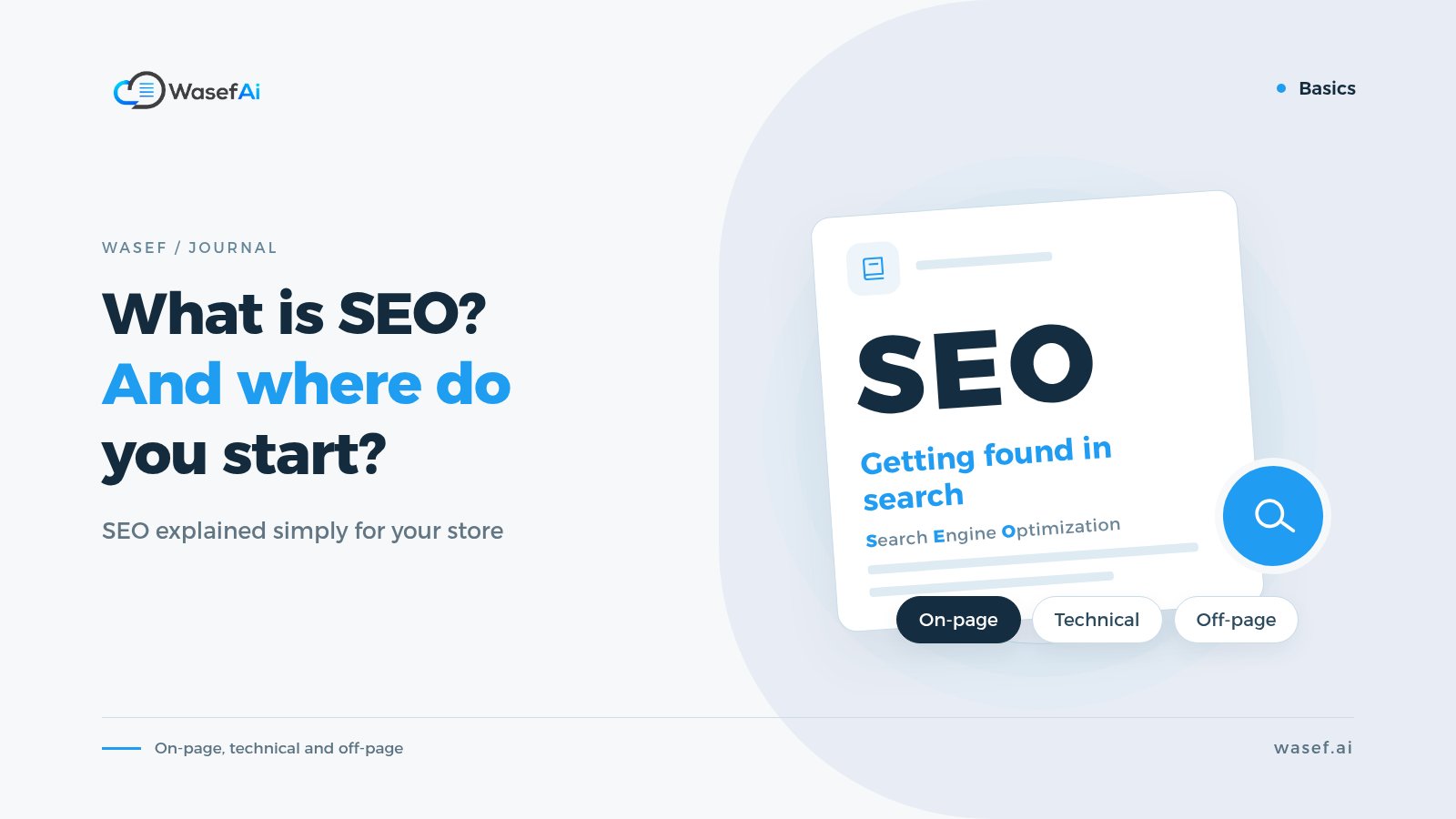
SEO (search engine optimization) means improving how your store shows up in the free search results, as opposed to paid ads. When someone searches for "black flared abaya" or "luxury oud perfume", you want them to find a page from your store right there, and feel that it answers exactly what they're looking for. If you want the basics first, here is what SEO means and its three main areas, explained simply.
Salla gives you ready-made tools for this: a title and description for your homepage, SEO fields for products, categories and brands, a sitemap, a robots.txt file, and a blog. Your job is to use them carefully, not just fill them in and move on. For most merchants doing SEO in Saudi Arabia through Salla, these tools cover the store side of the work.
Where do you start? With the words your customers type
The most common mistake we see is merchants writing in their own words instead of their customers'. You call the product "Modern Reception Set"; your customer types "small sofa set for majlis" (the family sitting room). So start with a simple list. If most of your customers search in Arabic, build this list in Arabic too:
- Write down the broad search for each section: for example "abayas" or "specialty coffee". These are broad terms with high competition.
- Then the specific searches: like "black crepe abaya for work" or "Ethiopian coffee beans for pour-over". Fewer people search for them, but the people who do are usually close to buying.
- And pre-purchase questions: "How do I choose my abaya size?" or "What's the difference between a V60 and a Chemex?". These belong on your blog.
- Use Google's suggestions: type the start of a phrase in the search box, see how Google completes it, and check the "Related searches" section below the results.
Once your store has been running for a while, the best source of keywords is Google Search Console itself, because it shows you the phrases your pages have actually appeared for. We'll come back to it below.
Salla SEO settings: what's there and where to find it
Most of your store-wide settings live on one page: from the Marketing tab, choose Search Engine Optimization. These are the most important parts of it:
Your homepage
Under General Settings, open Homepage Enhancements to write your homepage title and description, add keywords, and choose how your store's page links are displayed. Salla also shows you a preview of how the result will look in Google, along with a score for the quality of your optimization.
Make the title say clearly what you sell and who you are, for example (an illustrative example): "Al Rayhan | Oud Perfumes & Authentic Oud Oil". The description should be a sentence or two explaining why a customer should visit your store: what you sell, who it's for, and any real advantage, such as shipping within Saudi Arabia if you offer it.
A frank note about the keywords field: Google states plainly that it doesn't use the meta keywords tag for ranking. You can fill it in, but don't spend your time on it. That time is better spent on titles, descriptions and the content of your pages.
Quick SEO Optimization: a useful start, not a replacement
Under Quick SEO Optimization you can set an automatic title and description for your products, categories and brands, exclude specific pages, and the setting applies automatically to anything you add later. This solves the problem of products with empty SEO fields. But Salla itself points out that this feature doesn't replace standard SEO optimization, so treat it as a safety net and write your most important pages by hand.
Your sitemap and connecting Google Search Console
A sitemap is a list of your store's links that helps Google find your pages. According to the Salla Help Center, you'll find it on the Search Engine Optimization page under General Settings (Sitemap Index). Copy its link, then paste it into Search Console under Sitemaps and click Submit.
Before that, you need to verify that you own your store in Search Console. Salla offers the Google Site Verification app in the Salla App Store: install it, click "activate link", sign in with your Google account and approve the permissions.
One note that matters for Arabic stores: Salla's Arabic help article says the option to use English page names in links doesn't currently appear in the sitemap if your store runs in a single language. It appears once you enable multiple languages and add product names in both Arabic and English.
The robots.txt file: don't touch it unless you know what you're doing
From the SEO page you can edit your Robots.txt File to stop search engines from crawling specific pages. It's a useful tool, but one wrong line can hide important pages from Google. If you don't have a clear reason to change it, leave it as it is.
Your own domain
From Store & Channels, then Store Domain, you can register a custom domain or connect one you already own. A clear domain makes your store easier for customers to remember and trust. A practical tip: try to settle on your domain early, because changing your store's address after its links have spread around causes confusion for you and your customers.
Why do category pages matter more than you think?
Broad searches like "formal abayas" or "coffee brewing tools" don't fit a single product page; their natural home is the category page that groups those products together. Yet many stores leave these pages with no text at all.
From Products, choose Categories & Options, then Categories. In the SEO Enhancements section for each category, write a title, a description and a custom URL. Make the category name itself the phrase people actually search for, not an internal label like "Collection 2".
The same goes for brands: under Categories & Options, then Brands, you'll find an SEO Enhancements section for each brand. If you sell well-known brands, people search by brand name, and a clear brand page is your chance to show up for them.
Product pages: what separates a page that ranks from one that gets lost?
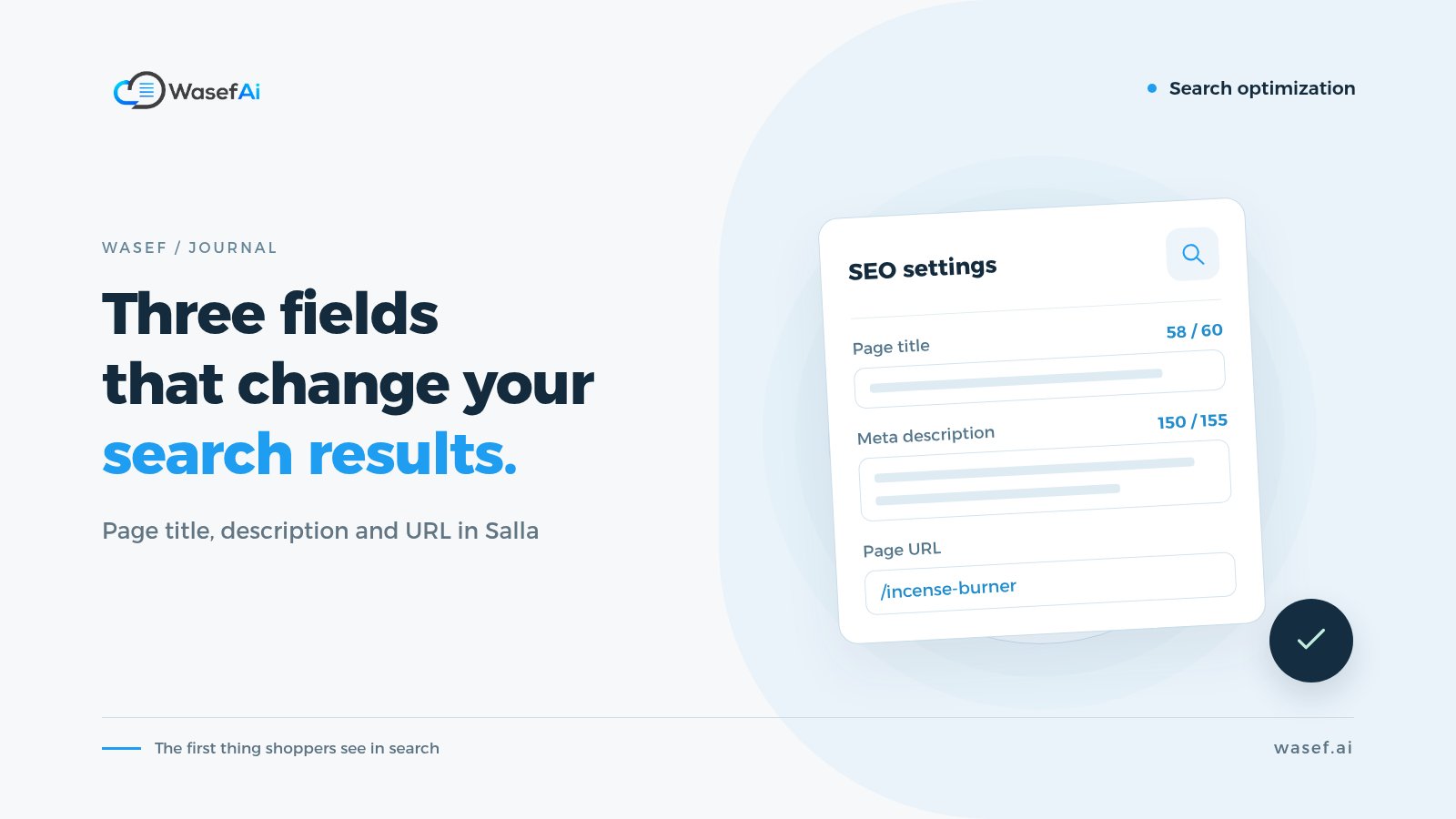
Every product in Salla has an SEO Enhancements section in its product data: page title, custom URL and page description. We won't repeat the explanation here, because we covered it in detail in our guide to Salla's product SEO fields. What matters is knowing that each field has a job, and leaving it empty or repeating it across products wastes an opportunity. For the description itself, you can start from these ready-made product description templates by category.
Beyond the fields, three things make a big difference:
- A description that's yours, not the supplier's copy. If the same text appears in twenty stores, what makes your page worth showing? Google says duplicate content isn't a violation in itself, but it can make for a poor user experience and waste crawling resources. Write about how the product is used and the details your customer cares about. Here's how to turn a supplier description into one that belongs to your store.
- Image alt text. On the product images page, click the (Alt) button under the image and describe it; Salla limits this to 70 characters. Describe what's actually in the photo, like "black crepe abaya with wide sleeves", rather than repeating your keyword.
- GTIN and MPN product identifiers. If your products have a barcode or a manufacturer part number, you can add them from the stock section of the product card. Salla explains that they're optional and appear in the page code for search engines, not for the customer.
What about store speed and images?
We won't get into technical details you can't control from the Salla dashboard. What is in your hands is image size: Salla allows product images of up to 5 MB, but recommends keeping images as small as possible to speed up your store. Shoot in good quality, then compress the file before uploading. To get the photos right in the first place, see our guide to taking product photos with your phone, plus Salla's image specs.
Internal links: how do you lead customers and Google to your key pages?
Links between your store's pages help customers move around and help Google understand which pages matter most. Google says link text tells both users and search engines about the page it points to. In practice:
- Link from your homepage to your most important categories, not just to your offers.
- In product descriptions, link to the related category or a complementary product, like "See the rest of our brewing tools".
- In blog posts, link to the category or product that solves the reader's problem.
- Use link text that describes the destination, like "work abayas", instead of "click here".
Do you need a blog in your store?
Not necessarily, but it's the best place for questions a product description can't answer: how to choose, what the difference is, how to use something. Salla provides a built-in store blog. Write a post when you have a real question your customers keep asking, not just to "publish something", and link from it to the right products.
How do you track your Salla store's SEO in Search Console?
Once you're connected, your most important report is Performance. It shows four numbers: clicks, impressions, click-through rate (clicks divided by impressions) and average position. You can break them down by query, page, device, country and date.
What do you do with these numbers? A few simple examples:
- Lots of impressions, few clicks: your title or description in the search result probably isn't convincing. Try rewriting them more clearly.
- Keywords you didn't expect: if people are reaching you through a phrase you never wrote, consider adding it to the right product or category description, if it genuinely matches.
- Important pages that never appear: check that they're in your sitemap, that robots.txt isn't blocking them, and that they have real content.
When will you see results from SEO for your online store?
Honestly, there's no fixed number. Google says some changes show up within hours, while others take several months. It depends on how old your store is, how competitive your keywords are and how many pages you've changed.
The comfortable approach is to work in batches: improve your 10 most important pages, leave them for a few weeks, and watch for changes in the Performance report before you judge. And anyone who guarantees you the top spot is exactly who Google advises you to steer clear of.
How does showing up on Google turn into sales?
Visibility on its own doesn't sell. What actually happens is a chain of three steps, and each step has its own work:
- From impression to click: a title and description in the search result that tell the customer this page has what they're looking for.
- From click to understanding: once they land, they find a page that delivers on that promise: clear photos, a description that answers their questions about size, material and use, plus shipping and returns information.
- From understanding to decision: a customer who understands the product can decide whether it suits them. Price, trust and the checkout experience play a big role here, and SEO doesn't replace them.
In other words, if you drive traffic to a page with an incomplete or misleading description, you can lose the customer right after the click. That's why we treat product page quality as part of SEO, not a separate topic. If you want to go deeper on this point, read why SEO matters for your product descriptions.
Your ecommerce SEO checklist for the first two weeks
- Connect Search Console through the Google Site Verification app, and submit your sitemap.
- Write your homepage title and description on the Search Engine Optimization page.
- Turn on Quick SEO Optimization as a safety net for pages you can't get to yet.
- Review your category names, and write a title and description for your top 3 to 5 categories.
- Pick your 10 best-selling products and give them a unique description, SEO fields and image alt text.
- Add links from your homepage and product descriptions to your key categories.
- After a few weeks, open the Performance report and see what changed before moving on to the next batch.
If you'd like a list to check each product page against before publishing, we have a free checklist.
The slowest step in that plan is usually the fifth one: a unique description and SEO fields for each of your top products. If that's where you get stuck, Wasef can draft both from each product's own data, and it covers category and brand pages too, so you start from a draft instead of an empty field. Nothing goes live until you've reviewed it and published it to Salla, and the 7-day free trial is enough to try it on those first ten products.
Sources
- Salla Help Center: Improve your store visibility on search engines (SEO)
- Salla Help Center (Arabic): store SEO settings, including the multilingual sitemap note
- Salla Help Center: Verify site ownership through Google Site Verification
- Salla Help Center (Arabic): Adding product images and videos (alt text and image size)
- Salla Help Center: Add MPN and GTIN to improve product visibility on search engines
- Salla Help Center: Manage your store domain on Salla
- Google Search Central: SEO Starter Guide
- Google Search Central: Do you need an SEO?
- Search Console Help: Performance report
Tags
Before your next campaign, review your product pages with this checklist
Five steps on one page: what to check in your descriptions, how to fill in the SEO fields, and when to add a promotional title. Print it and work through it product by product.
Product page prep checklist
Ready before your next campaign
- Pick the products that will carry the season
- Review every page on mobile
- Fill in the SEO fields in product settings
- Promotional title: honest and temporary
- Spread the work over six weeks