Saved your changes? Saving vs. publishing to Salla
Learn why an edit saved in Wasef may still be unpublished in Salla, and where to check the status before you take the publishing step.
Wasef Team
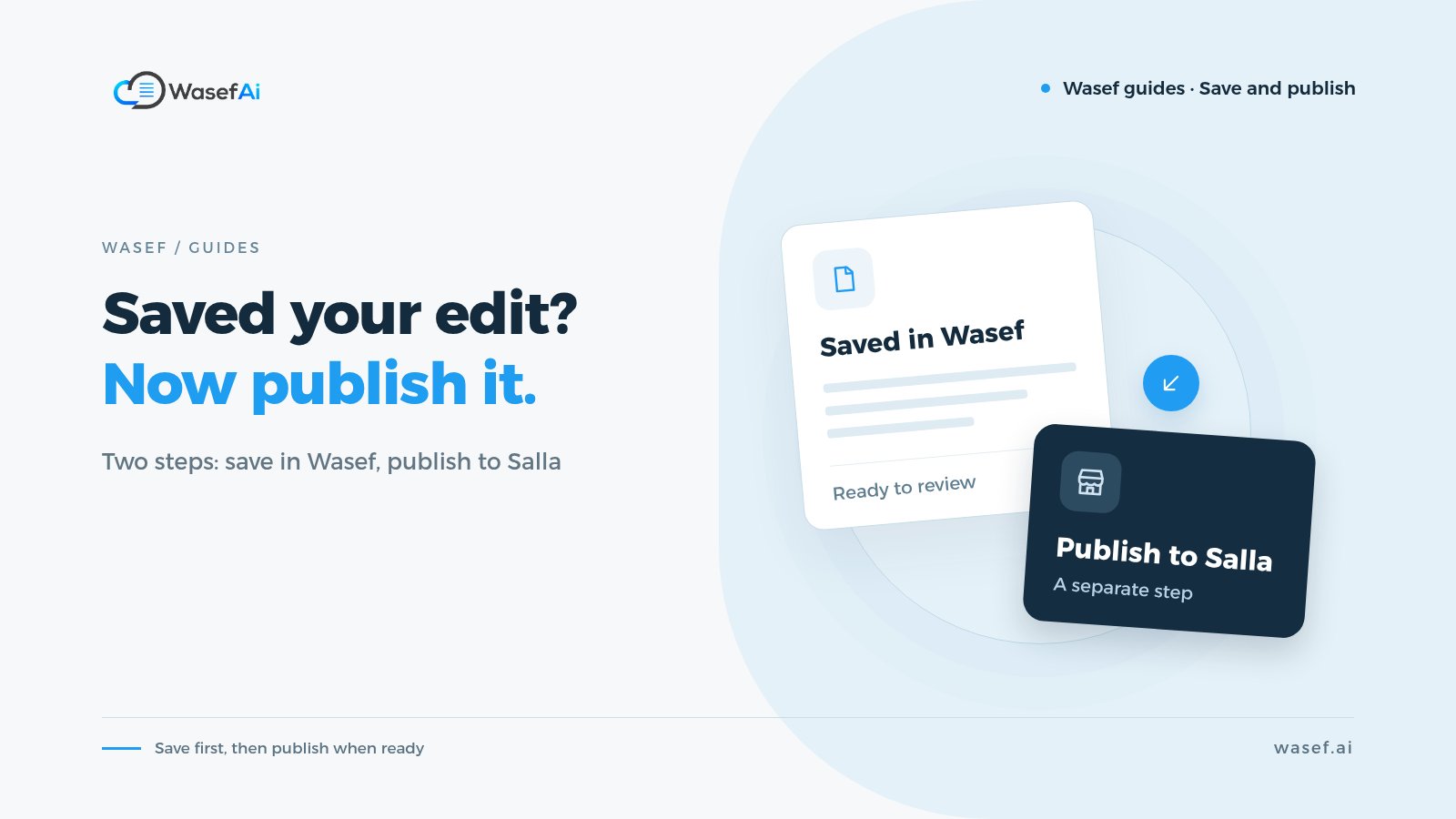
You edited the content and pressed “Save”, but does that mean your customers can see it on Salla? No. Saving in Wasef and publishing to Salla are two separate steps, and knowing the difference helps you review the version before customers see it.
What will your store gain?
You can keep your edits and review them before sending them to your store. Following the publishing status keeps you from confusing a saved draft with content that has actually reached Salla.
Before you start
Review the saved version in Wasef first, and make sure it's the right product and store. Don't rely on an old publishing badge as proof that your latest edit arrived, and don't treat sending a publish request as proof that it finished.
Let's see the feature
This is an interactive walkthrough recorded in a demo store, not a live store you can edit. Use Previous and Next to move between steps. Sign-in and the verification code were not recorded. The Wasef interface is shown in Arabic in the recording.
Saved your changes? Saving vs. publishing to Salla
2 stepsLoading page state.
Step 1 of 2
Tell saving apart from publishing
The product is saved in Wasef and shows “Unpublished changes in Salla”. Saving doesn't publish automatically.
What did we verify?
The walkthrough only shows the “Unpublished changes in Salla” status and where the publish button is; we didn't press the button, publish any content, or check the Salla storefront. When you actually publish, wait for the status to complete, then check the product page in your store. If a problem appears, review it before trying again.
Make this a habit: save and review, then publish and check the product page. And if a sales season is coming up, get your pages ready before the season with a week-by-week plan instead of publishing everything on the last day.